Signing in to Hub Central for the first time

Download and open Microsoft Authenticator

The registration process for Hub Central may take a little time as you set up SSO using the Microsoft Office 365 account associated with your work or school.  Before you get started, please make sure you download or open the Microsoft Authenticator app. 

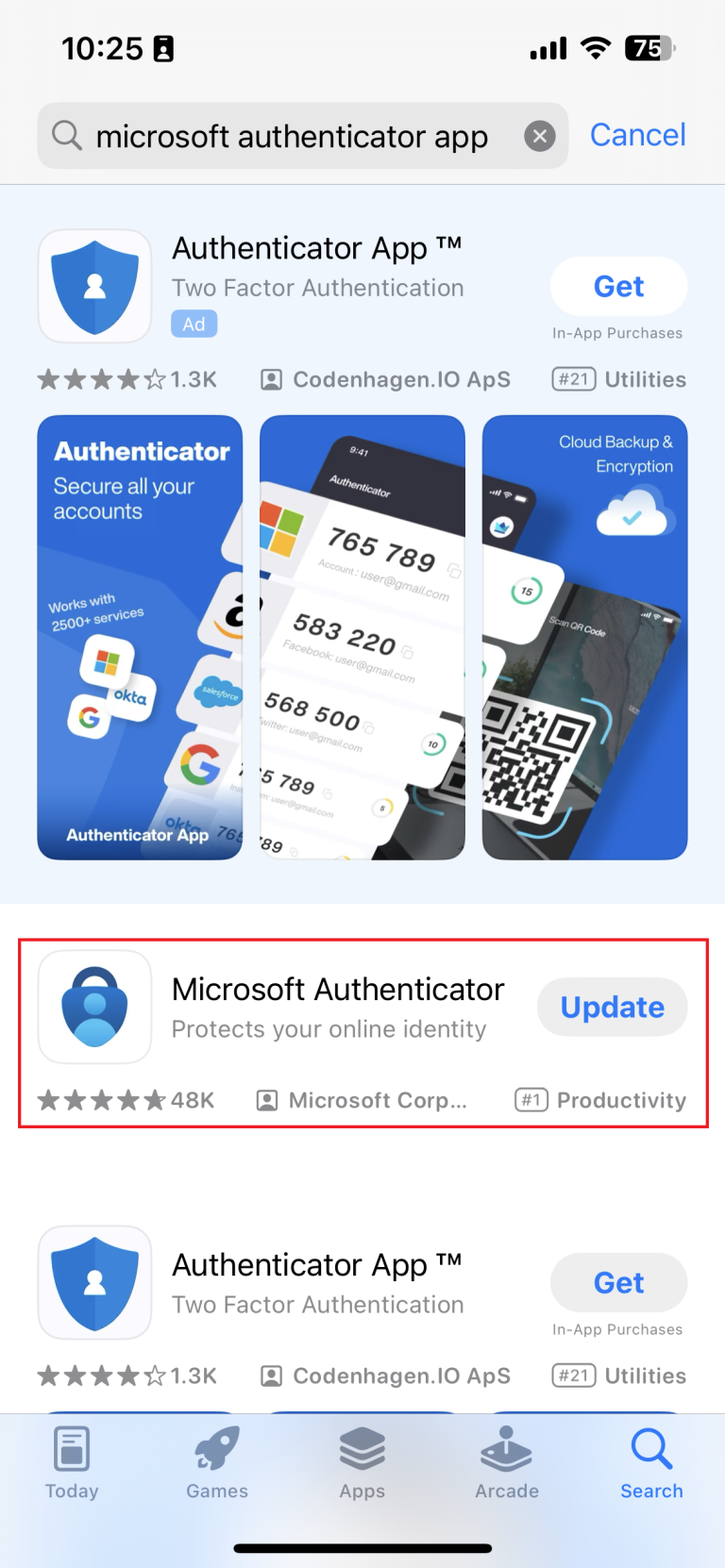
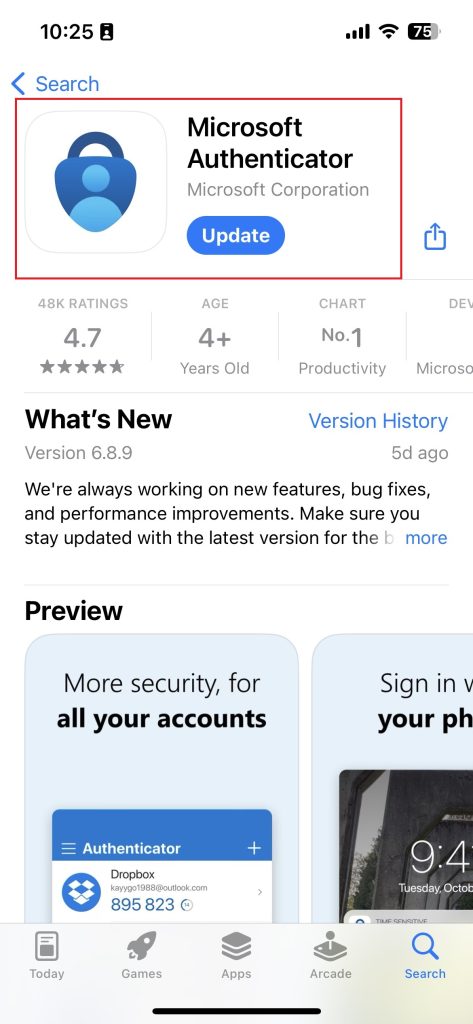
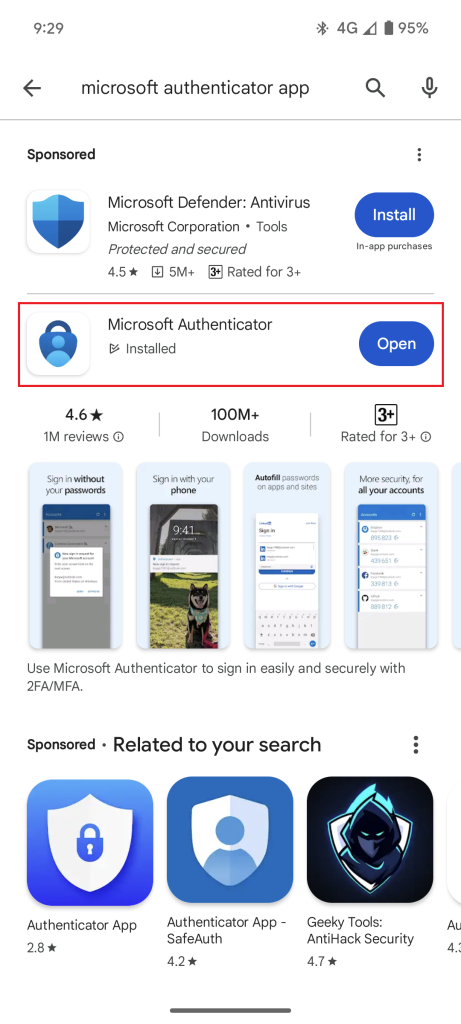
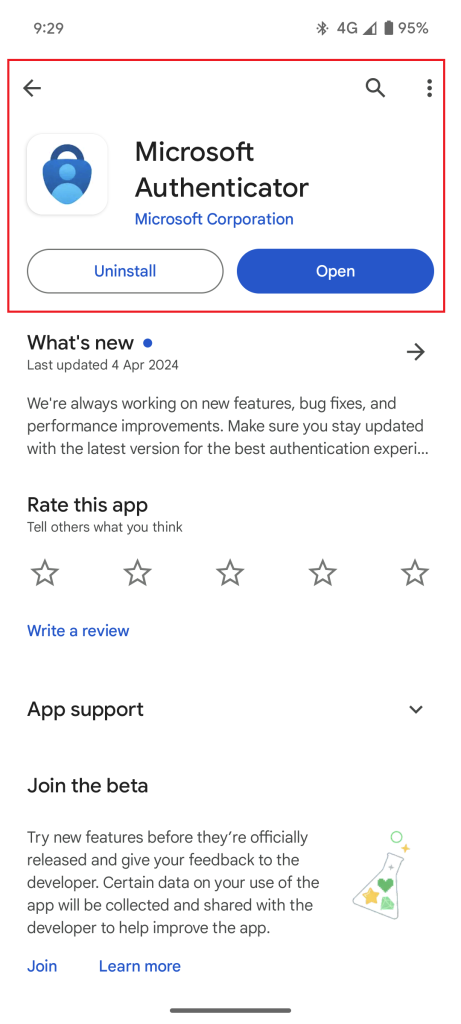
To find the Microsoft Authenticator app on your phone’s app store, refer to the user guides below:

On the iPhone app store

Search for:

On the Android  app store

Search for:

It will take approximately 10-15 minutes to work through the required steps to register and set up for SSO on Hub Central. To view a user guide with instructions on how to sign in after signing in for the first time, click here

Let’s get started. Please follow the steps below to complete the SSO process to sign in to Hub Central: 

Hub Central Single Sign On (SSO)

Before you get started, please make sure you download or open the Microsoft Authenticator app.

NOTE: Only ever enter a code in your Microsoft Authenticator app if you are accessing a system linked to your work or school.

Unsure if you have a Microsoft Office 365 account or need help?

Contact Maurice in our team at mauricesyber@communityhubs.org.au.